JamfDash — your Jamf fleet, on your desk.
A native macOS dashboard for Jamf Pro, Jamf Protect, and Jamf School. Browse the fleet, review security posture, inspect configuration and analytics, and export reports — all from a single, calm Mac app.
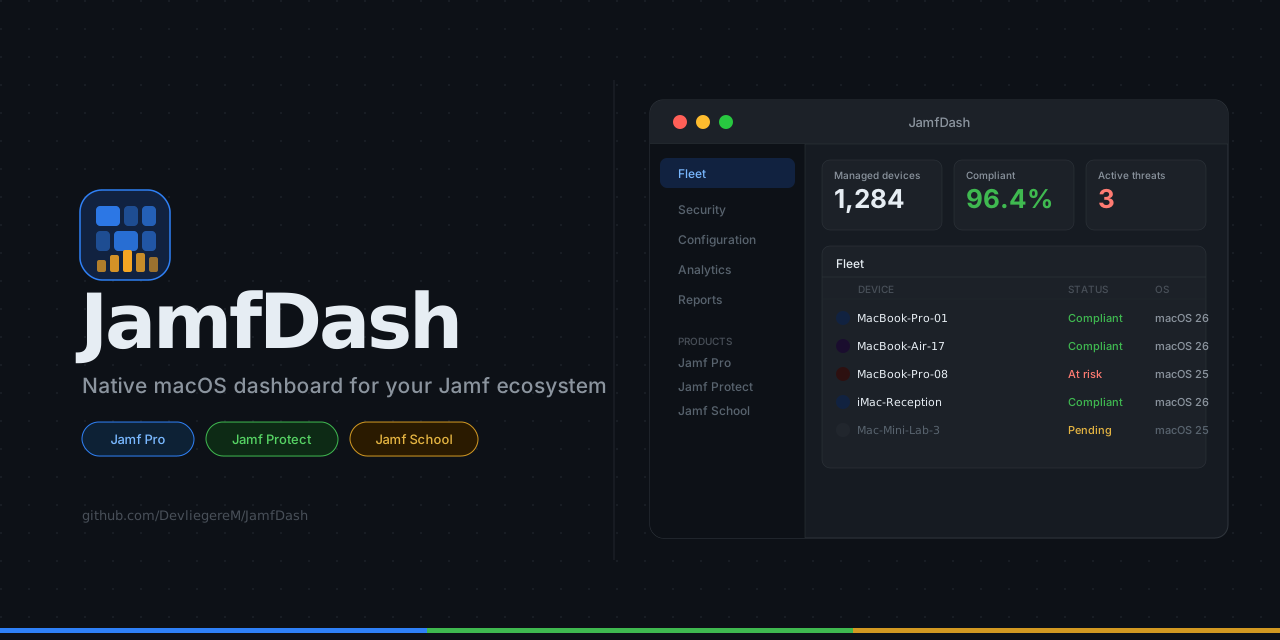
JamfDash is a thin, native macOS shell over jamf-cli, the open-source command-line tool maintained by Jamf Concepts. It auto-downloads the binary on first launch and keeps it current — there is nothing manual to install.
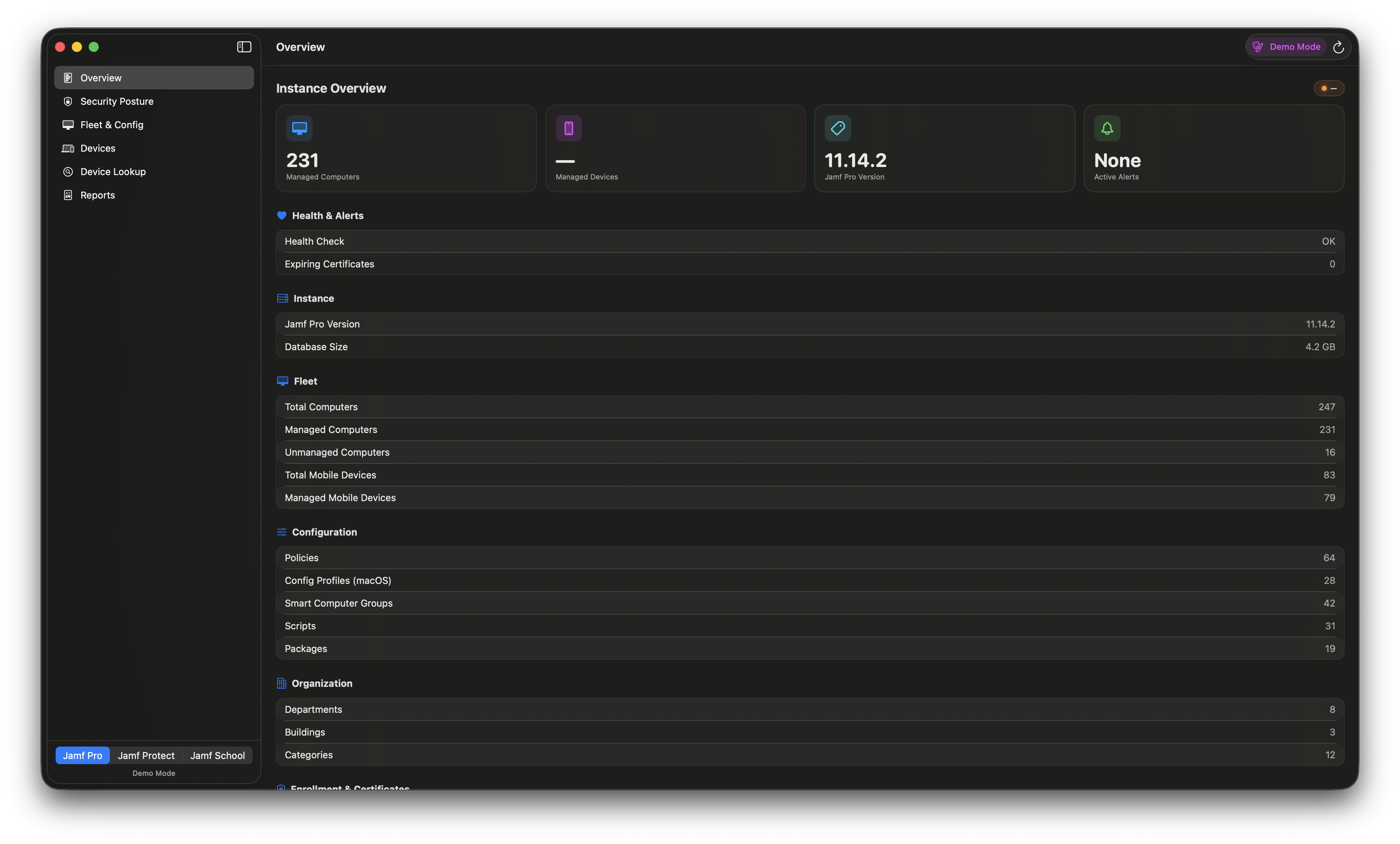
Three Jamf products are supported side-by-side: Pro, Protect, and School. Add any combination of tenants in the sidebar, switch between them in a single click. Credentials live in the system keychain, never on disk.
Built for daily admin work, not demos.
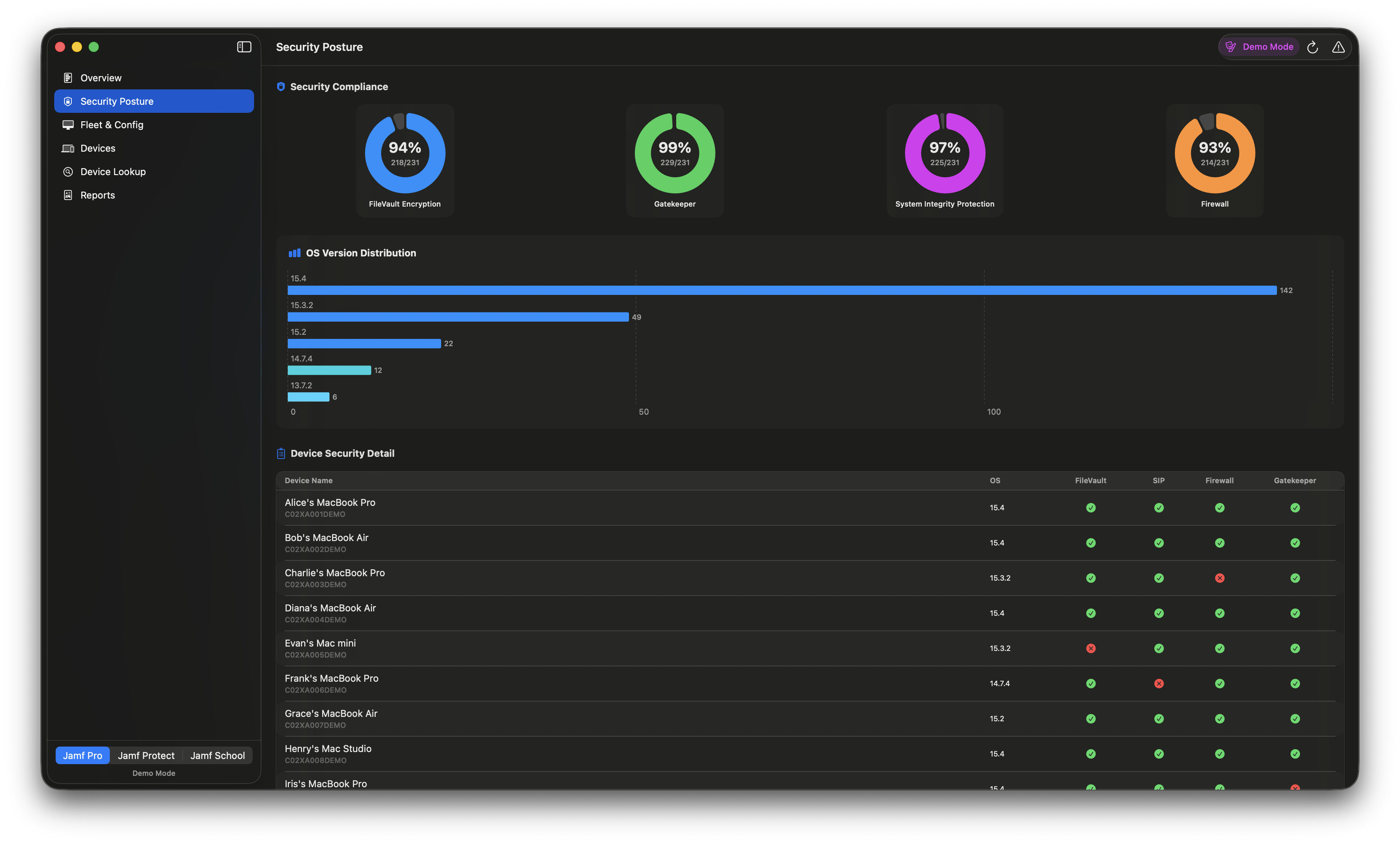
- 01Security posture.FileVault, Gatekeeper, SIP and Firewall coverage with percentage bars, OS version donut, and a per-device breakdown table with selectable serial numbers.
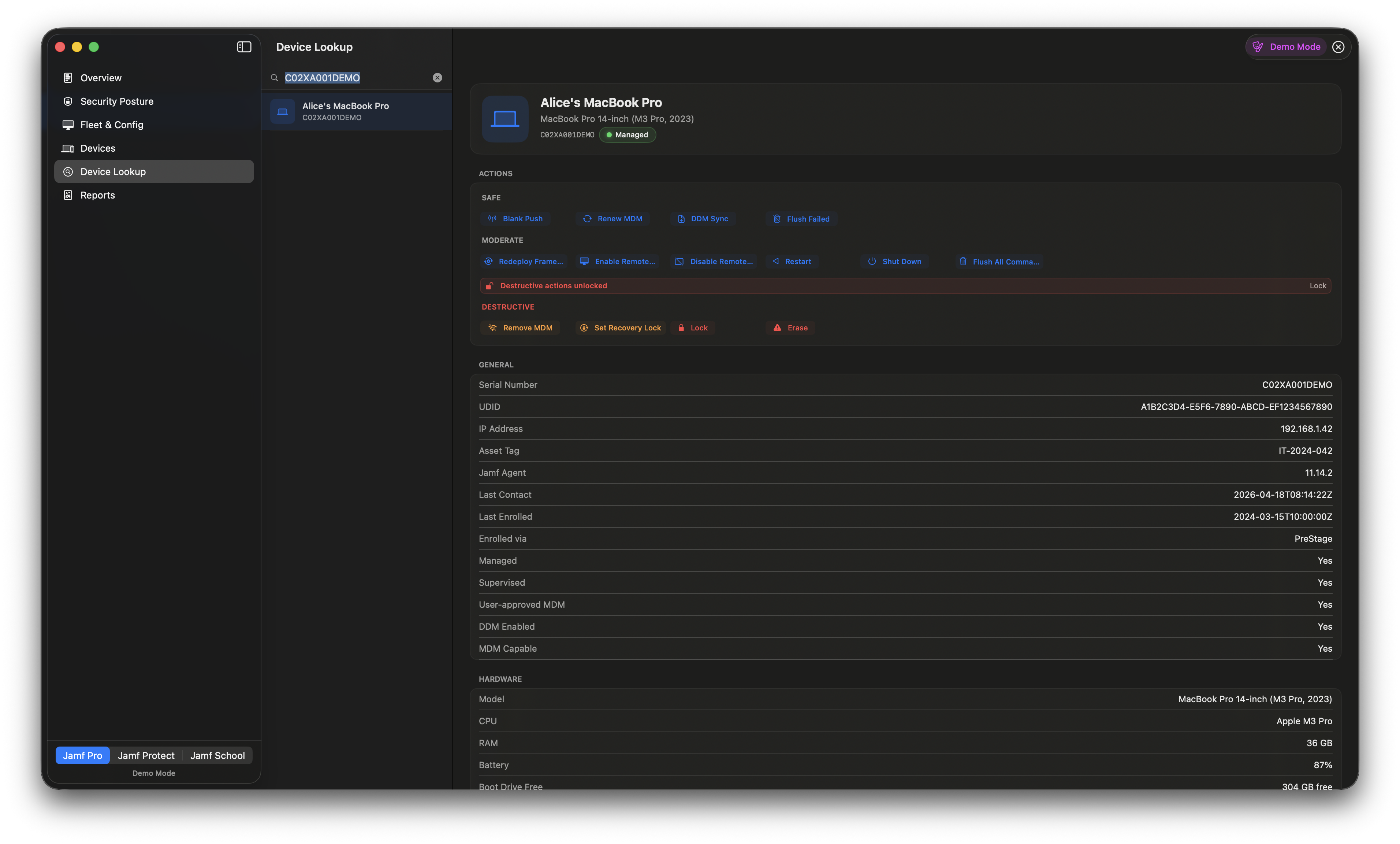
- 02Device lookup.Look up any Mac by serial: hardware, OS, security, location, storage, network, profiles, smart and static groups, local users, extension attributes.
- 03MDM commands.Run management actions from the detail panel — Blank Push, Redeploy Framework, Lock, Erase — grouped by risk with confirmation for destructive ones.
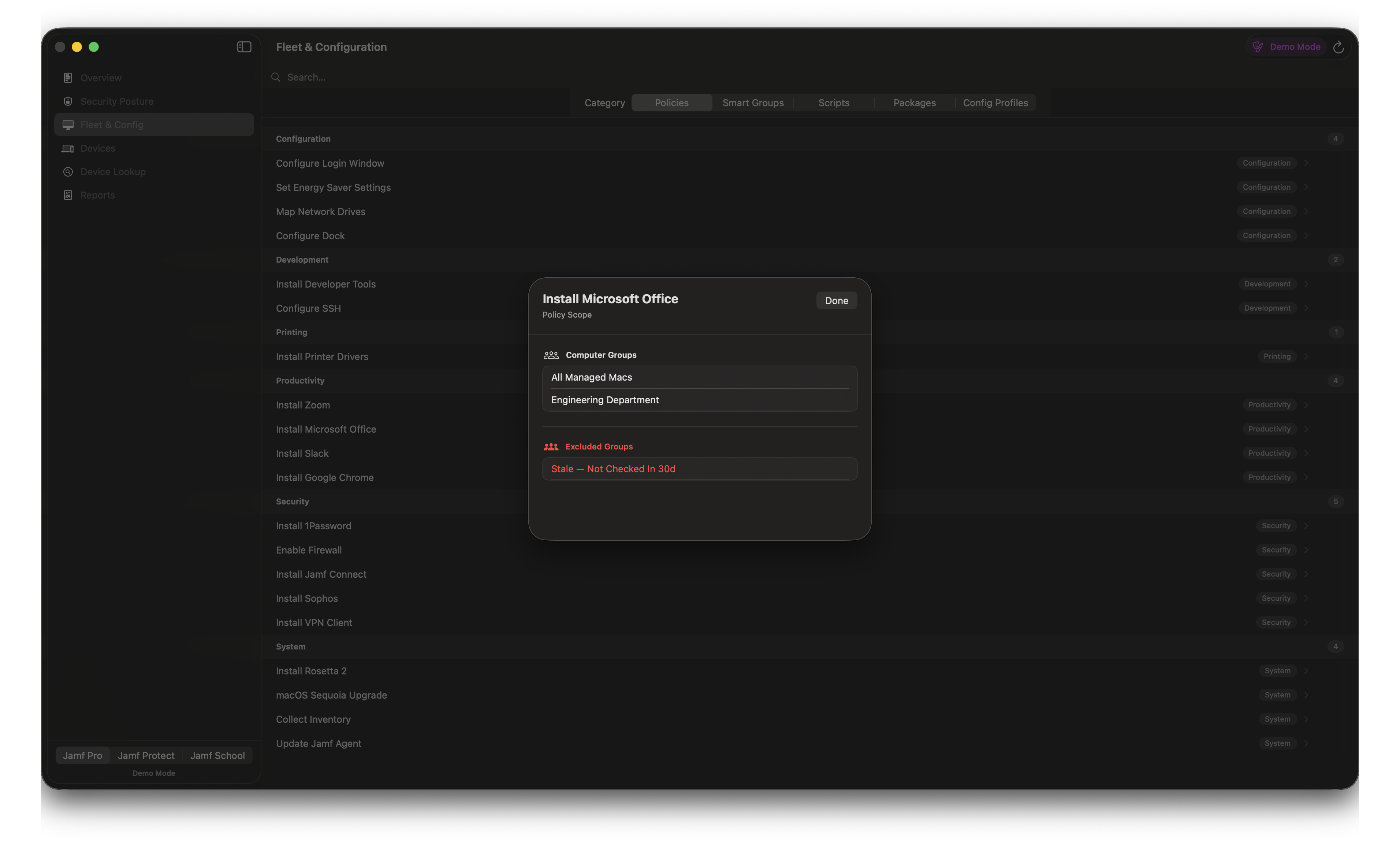
- 04Fleet & config.Policies grouped by category with full scope. Smart Groups with their membership criteria. Scripts, packages, configuration profiles — one click away.
- 05Branded PDF reports.Generate a PDF summary of your Jamf Pro environment. Add your company logo in Settings → Branding and it appears in the report header.
- 06Multi-connection.Staging, production and school tenants side-by-side. Local-admin or API-client auth for Pro. Keys in the system keychain.
The app, in practice.
Free & open source. Try it now.
MIT-licensed. Built in the open on macOS 14 Sonoma or later.